AI virtual staging for listing photos
Your listing, staged in one look.Same walls. Better rooms.
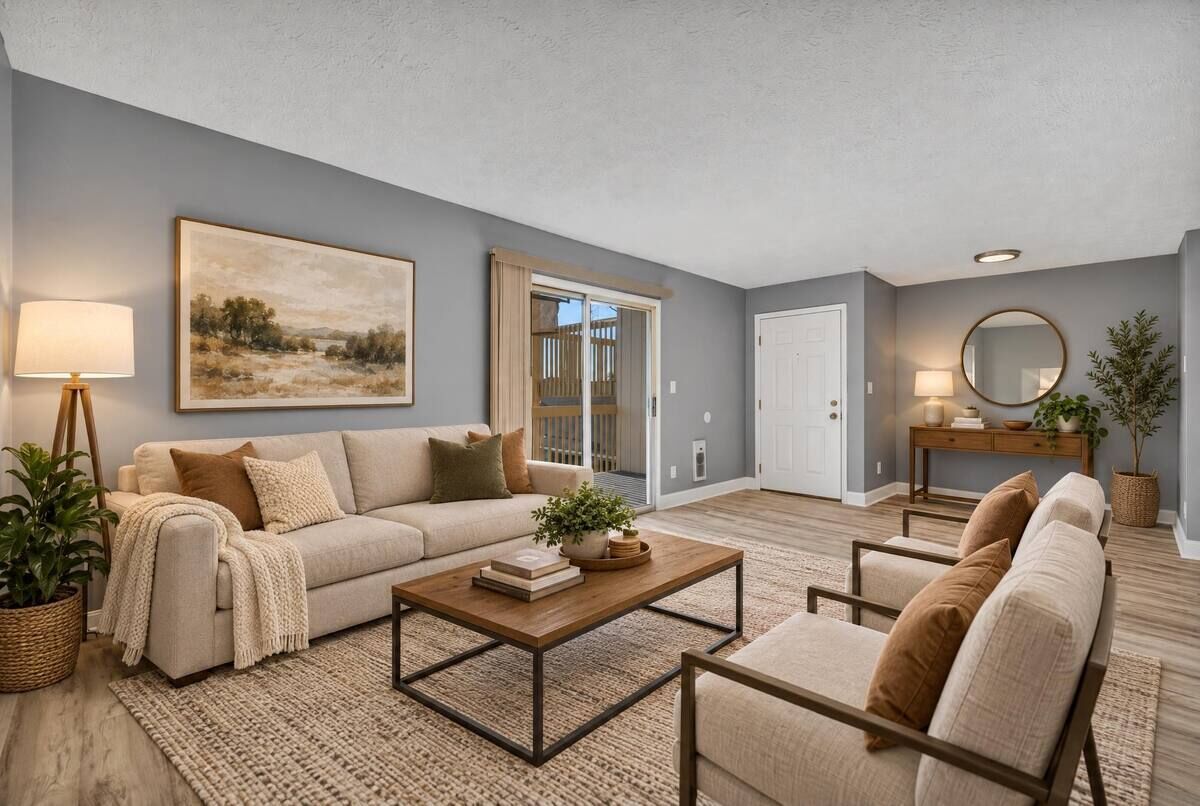
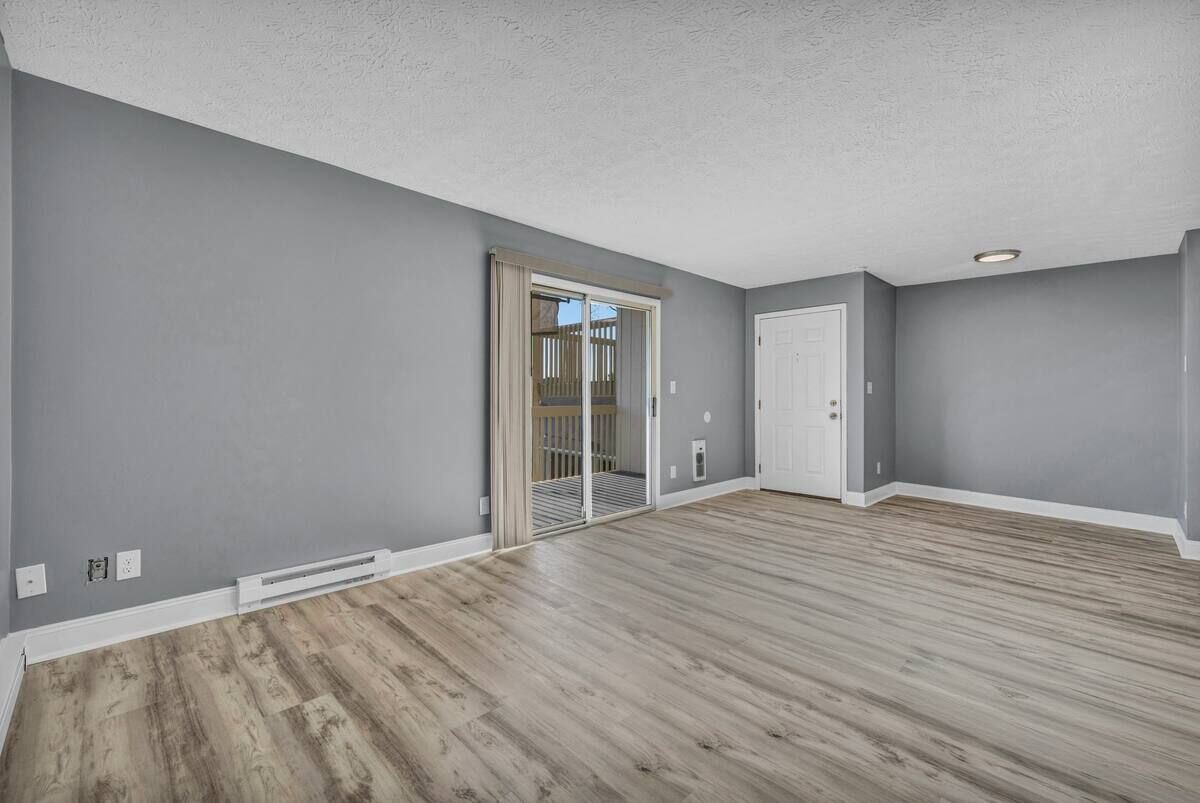
Every room furnished in one consistent style. We design staging to preserve the room’s walls, windows and floors; compare each result with the original before publishing. Pay per photo or pack, with no subscription.
- No subscription
- Credits never expire
- “Virtually staged” label by default
See it staged free. No account or card needed.
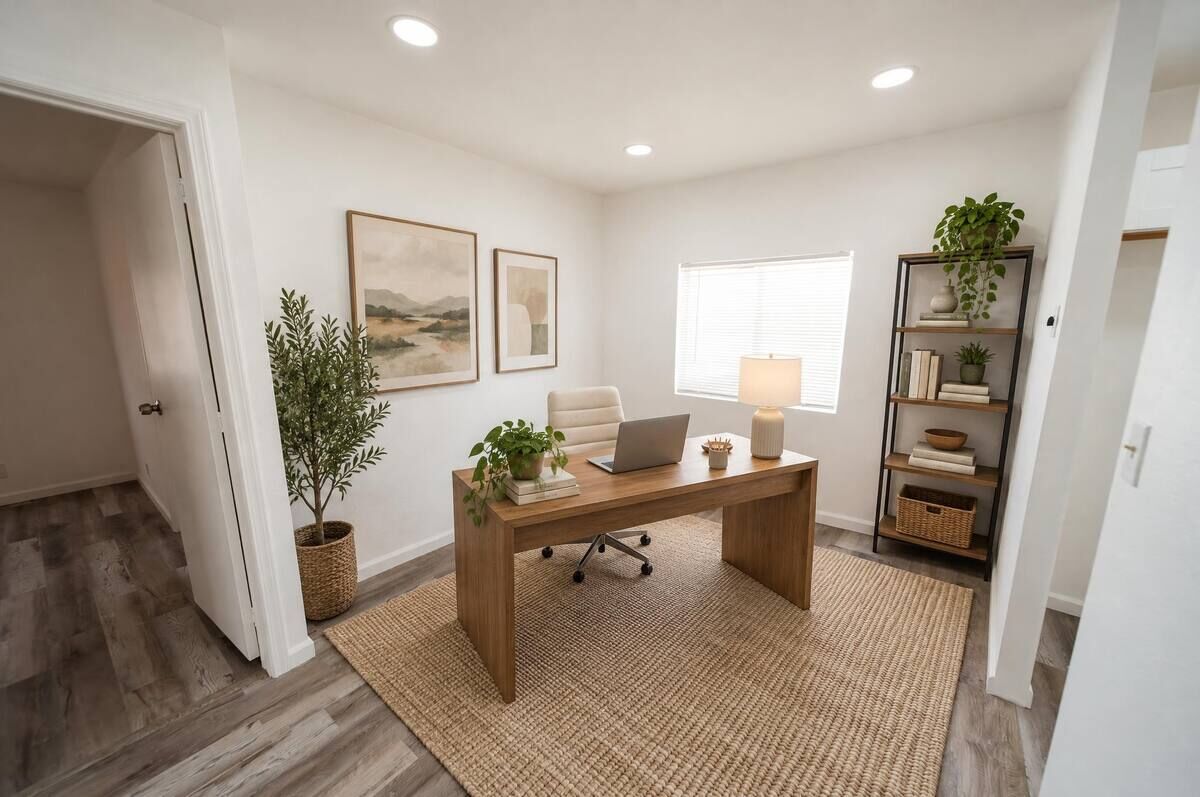
How it works
Empty listing in, staged listing out
Three steps, no designer, no subscription. You only pay for the photos you choose to download.
- 01
Drop in the listing
Upload every empty room at once. Confirm what each room is, and you’re ready to stage.
- 02
Select one look
Choose a style, a palette and how full. It’s set once for the listing, not photo by photo.
- 03
Unlock your downloads
Previews are free. Unlock a photo’s downloads for full resolution and 10 changes, like “smaller sofa”.
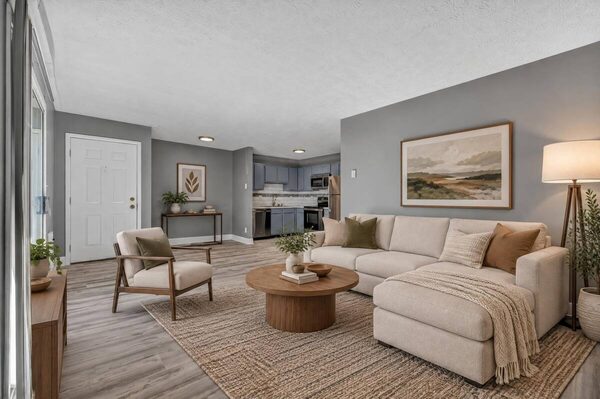
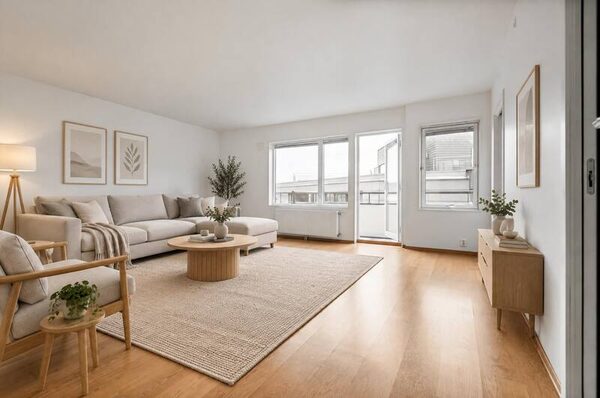
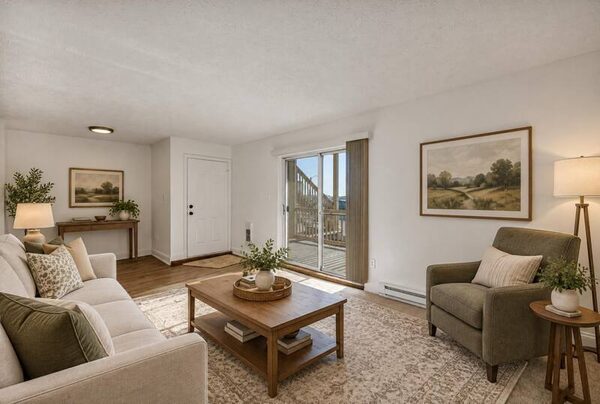
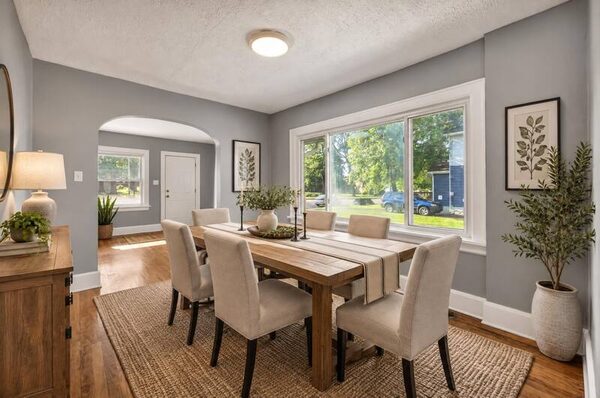
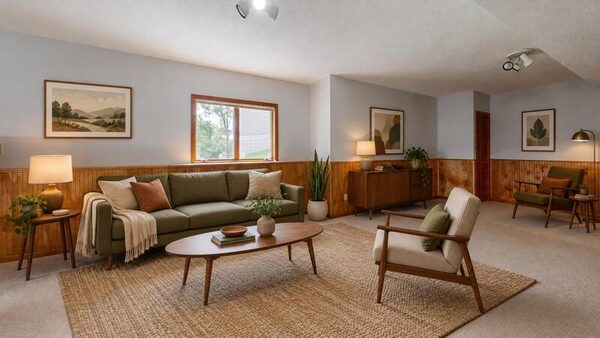
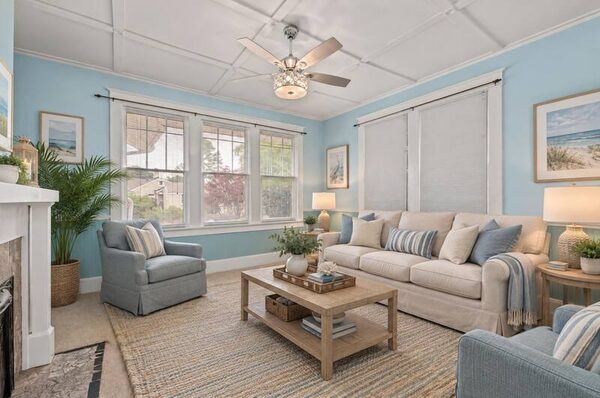
One look, every room
Eight photos that read like one home
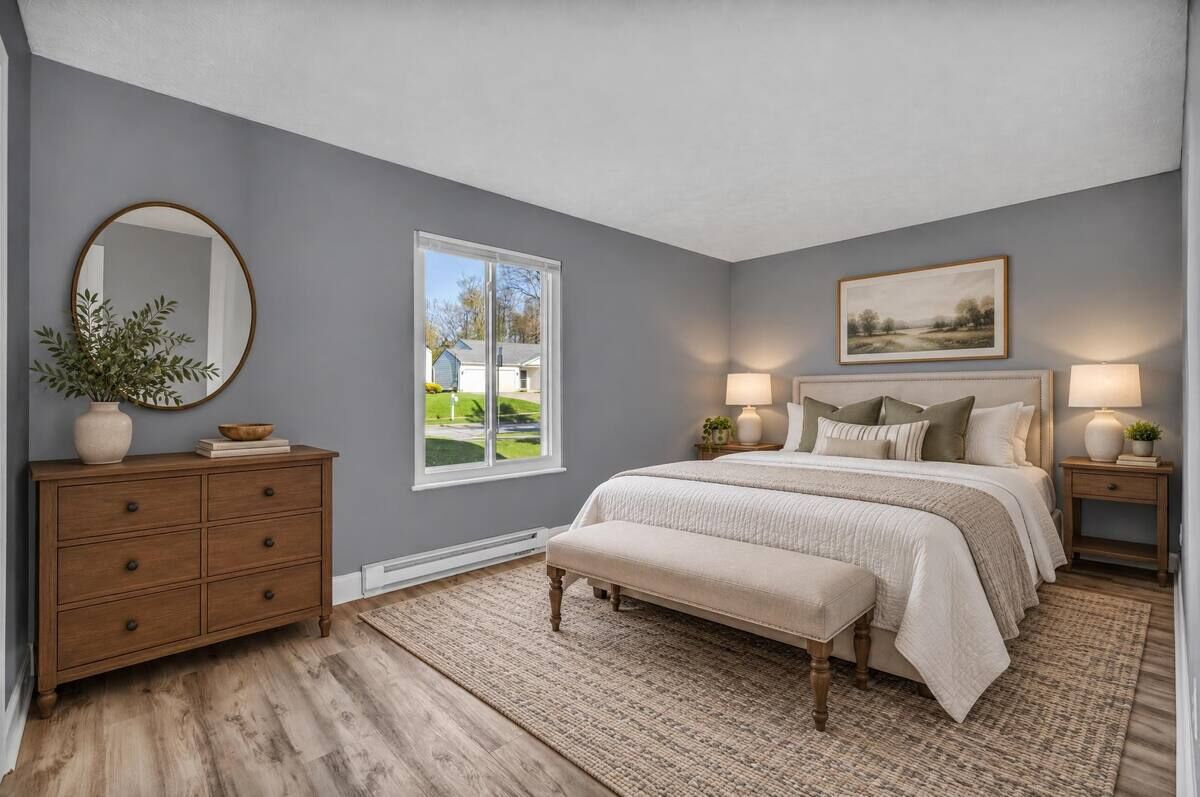
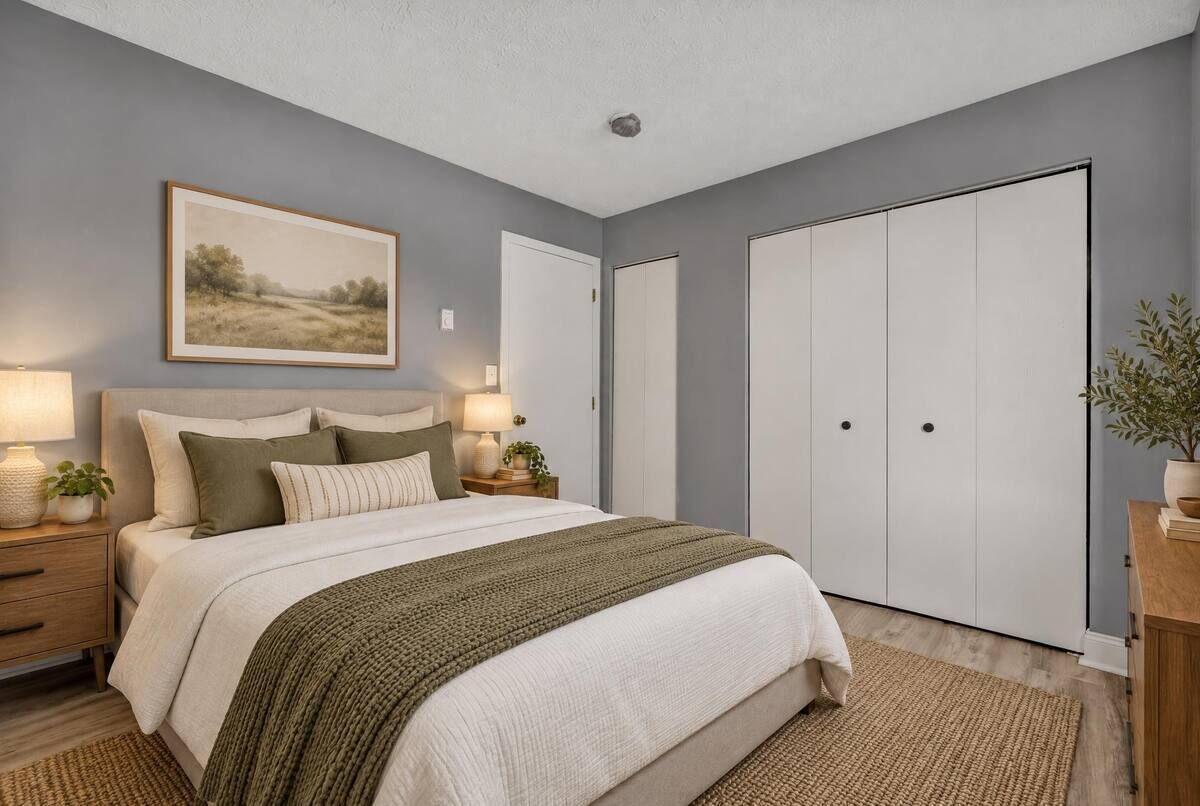
Staged photo by photo, the living room and the bedroom can end up in different houses. WellStaged carries one look through the whole listing.
- Living room
 Living room and kitchen
- Palette
- Oatmeal & walnut
- How full
- Lightly furnished
- Applied to
- 8 of 8 photos
One palette, start to finish
Textiles, woods and accents repeat from room to room, so the tour feels like one home.
One level of furnishing
Choose lightly or fully furnished once, and every room in the listing follows it.
Designed to preserve the room
Compare walls, windows and floors with the original before publishing. Downloads include a “Virtually staged” label by default.
Pricing
Unlock downloads for the versions you select
Previews are free. Credits never expire, and unused credits are refundable within 30 days.
- Choose one room
One room
$5
1 photo · $5.00 each
- Full resolution
- 10 changes per photo
- “Virtually staged” label by default
- Choose one listing
One listing
Typical listing$29
10 photos · $2.90 each
- Full resolution
- 10 changes per photo
- “Virtually staged” label by default
- Choose three listings
Three listings
$69
30 photos · $2.30 each
- Full resolution
- 10 changes per photo
- “Virtually staged” label by default
- Choose ten listings
Ten listings
$179
100 photos · $1.79 each
- Full resolution
- 10 changes per photo
- “Virtually staged” label by default
Every pack includes the same for each unlocked download: full resolution, 10 changes per photo, “virtually staged” label by default.
Questions
Questions about virtual staging
More in our guides: what virtual staging is, how to disclose it and how it compares with real staging.
- What is WellStaged?
- WellStaged is an AI virtual staging web app for real estate listing photos. It stages empty rooms in one consistent style across a listing, is designed to preserve walls, windows and floors, and lets agents compare each result with its original before publishing. Pay per photo or pack, with no subscription.
- How much does virtual staging cost with WellStaged?
- Previews are free. Select the staged version you prefer, then unlock its download with credits: $5 for one photo, $29 for 10 photos (one typical listing), down to about $1.79 a photo in the 100 photos pack. There is no subscription and credits never expire.
- Can I try it for free?
- Yes. Upload one empty room on the “Stage a room free” page without an account and see staged options with a watermark. A new account can preview up to 5 photos before buying anything, counting that first room once you save it.
- Does virtual staging change the room itself?
- WellStaged is designed to add furniture and decor while preserving the room’s walls, windows, floors, fixtures, view and visible wear. Compare each result with its original before publishing. Requests to enlarge a room, hide damage or alter structure are declined.
- Do I need to disclose virtually staged photos?
- You should. Many MLSs, and California by law, require virtually staged photos to be labeled and the unaltered photo to be available. Downloads include a “Virtually staged” label by default; you can change or turn it off in Settings. Your original stays in your account. Check your own MLS and local rules; we don’t claim any image meets a particular MLS’s requirements.
- What is included when I unlock a selected version?
- A full-resolution download of the version you select, a “Virtually staged” label by default, and 10 changes to furniture or decor. Unused credits are refundable within 30 days.
- Which rooms and styles can I stage?
- Living rooms, bedrooms, dining rooms, home offices, kids’ rooms and outdoor patios, in modern, Scandinavian, transitional, modern farmhouse, mid-century or coastal styles. You pick one look for the listing and every room follows it.
Stage your first room free
Drop in one empty room and see it furnished. No account or card to start.